


For IBM Storage Protect administrators
Know every backup succeeded — without checking by hand
If a backup fails at 2 a.m., you know before your users do. Our tools watch your IBM Storage Protect environment around the clock, so you never start the day guessing.
- Live dashboards — success rates, capacity trends, client activity
- Instant failure alerts by email or your monitoring stack
- Scheduled reports that land in your inbox, boardroom-ready
Why teams choose Spirit Software
Backup administrators spend hours trawling logs and spreadsheets to answer one question: did everything back up? Our tools answer it for you — automatically, in real time, across every server.
Monitoring Tools
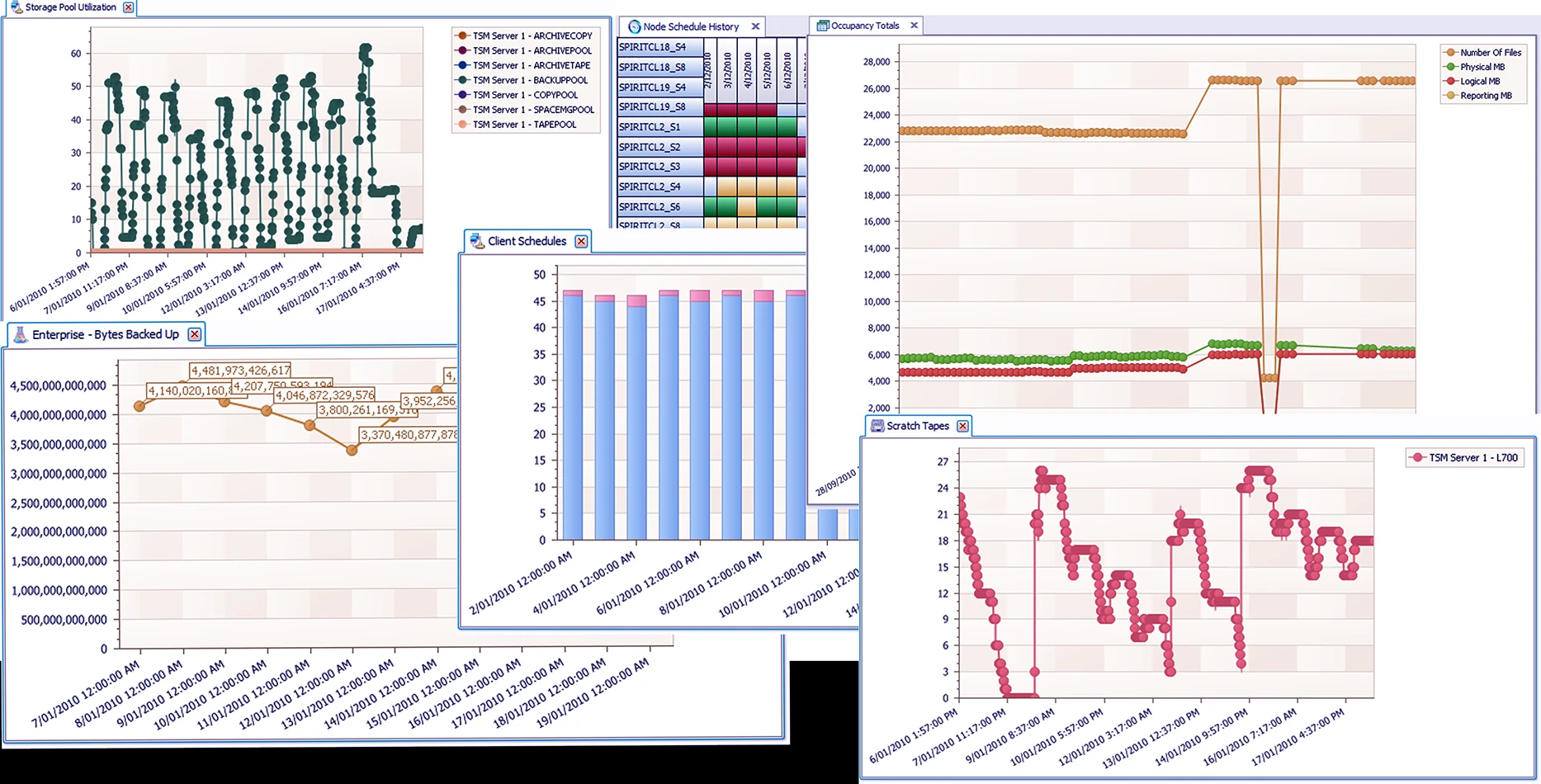
Live dashboards for every server — backup success rates, capacity trends and client activity at a glance.
Automated Reporting
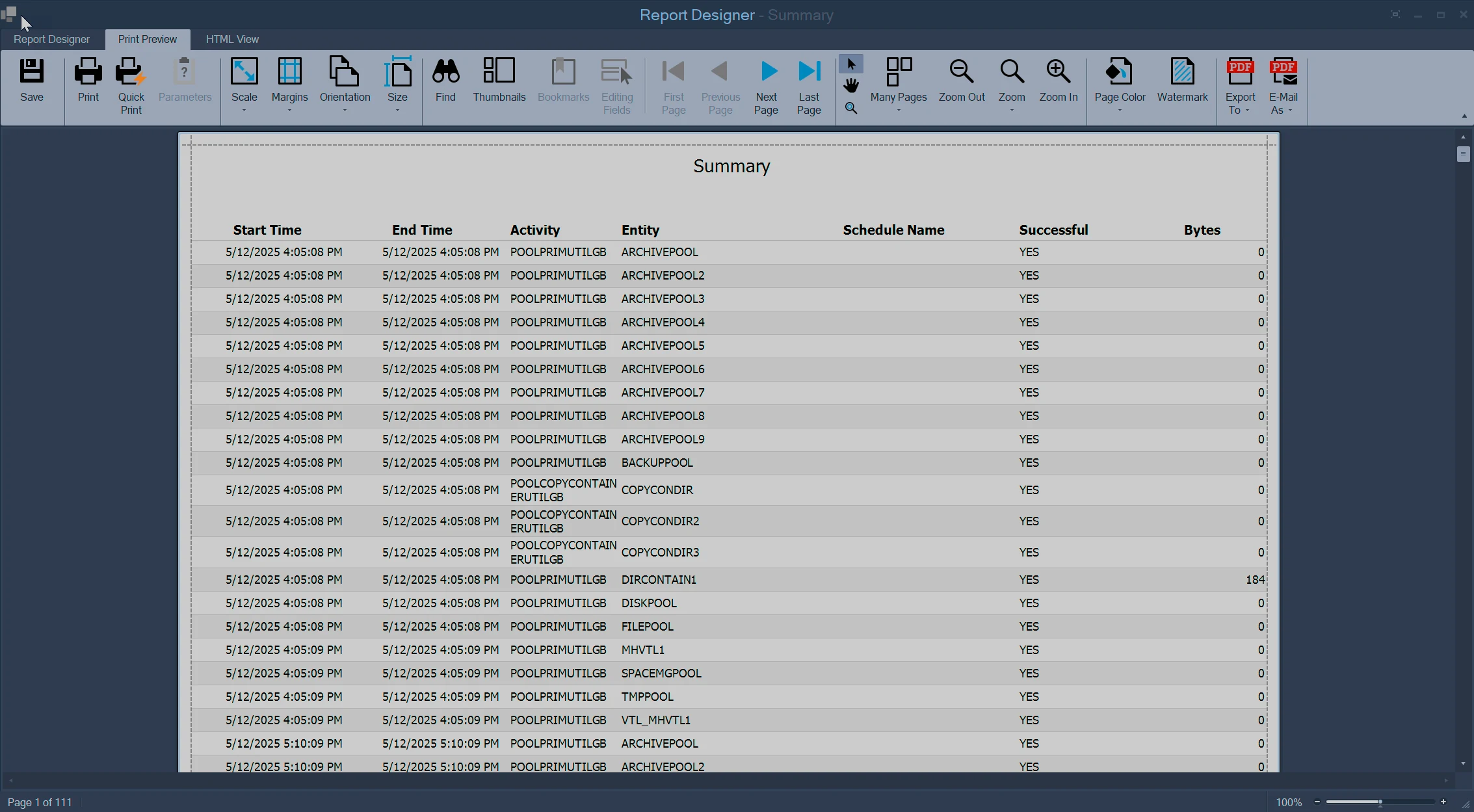
Scheduled reports land in your inbox, not in your to-do list. No more month-end spreadsheet marathons.
Data Optimization Management
Spot wasted tape and storage capacity early and reclaim it, with side-by-side real-time and historical views.
Reporting Tools
Dozens of pre-built reports plus a drag-and-drop Report Designer for anything custom.
Two tools, one complete toolkit
SPStudio is the administrator's workbench — everything interactive, on your desktop. TSM Studio Server is the unattended watchdog — watching, alerting and reporting while you sleep. Together they cover the whole job; many teams run both.
SPStudio — the admin workbench
For the administrator who wants everything in one place. Windows 10/11.
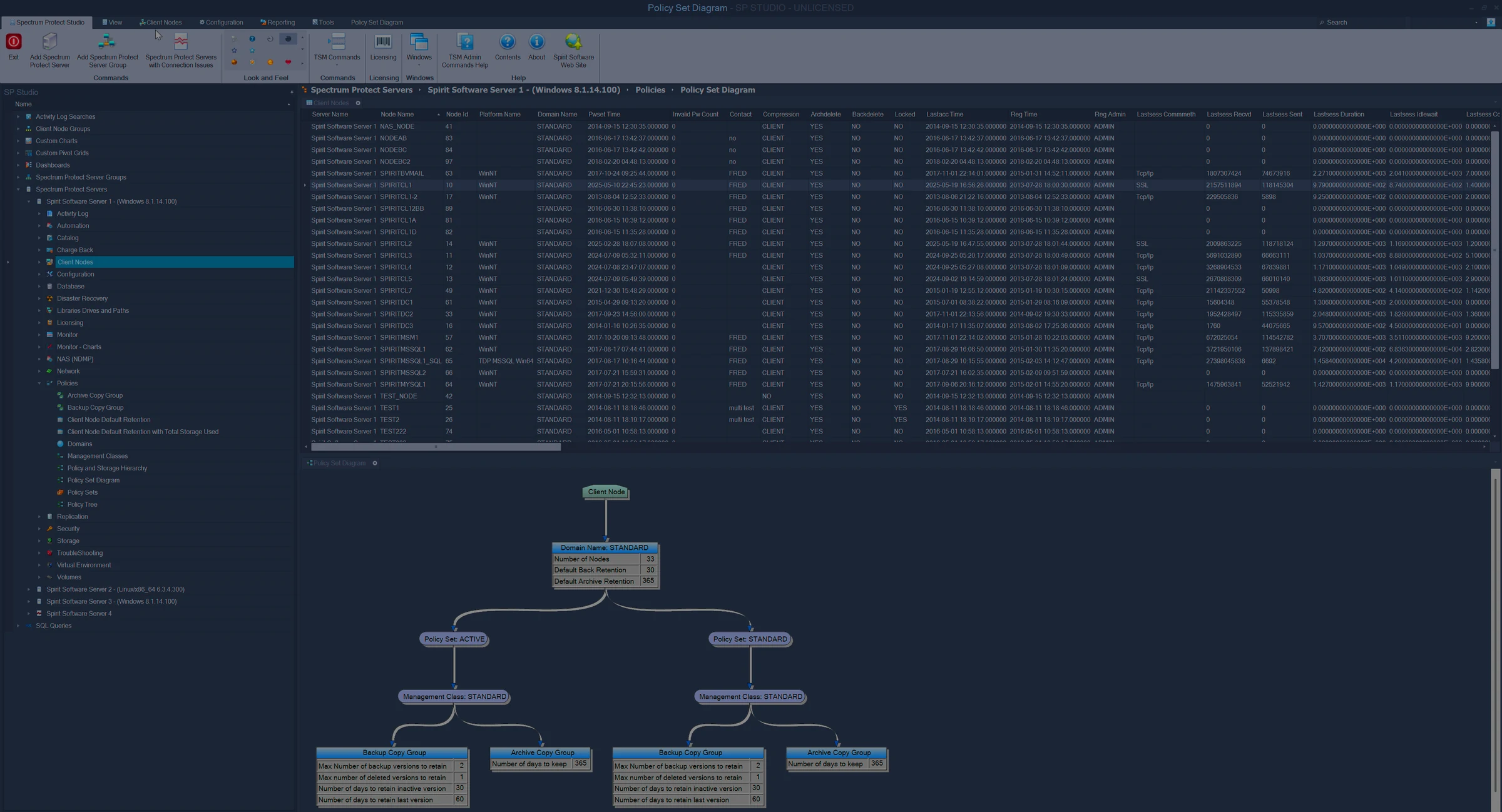
- 200+ context-sensitive dataviews, charts and diagrams — schedule results, storage utilization, library and drive performance and more
- Real administration, not just monitoring: policy set editor, script editor, storage pool control panel, health check
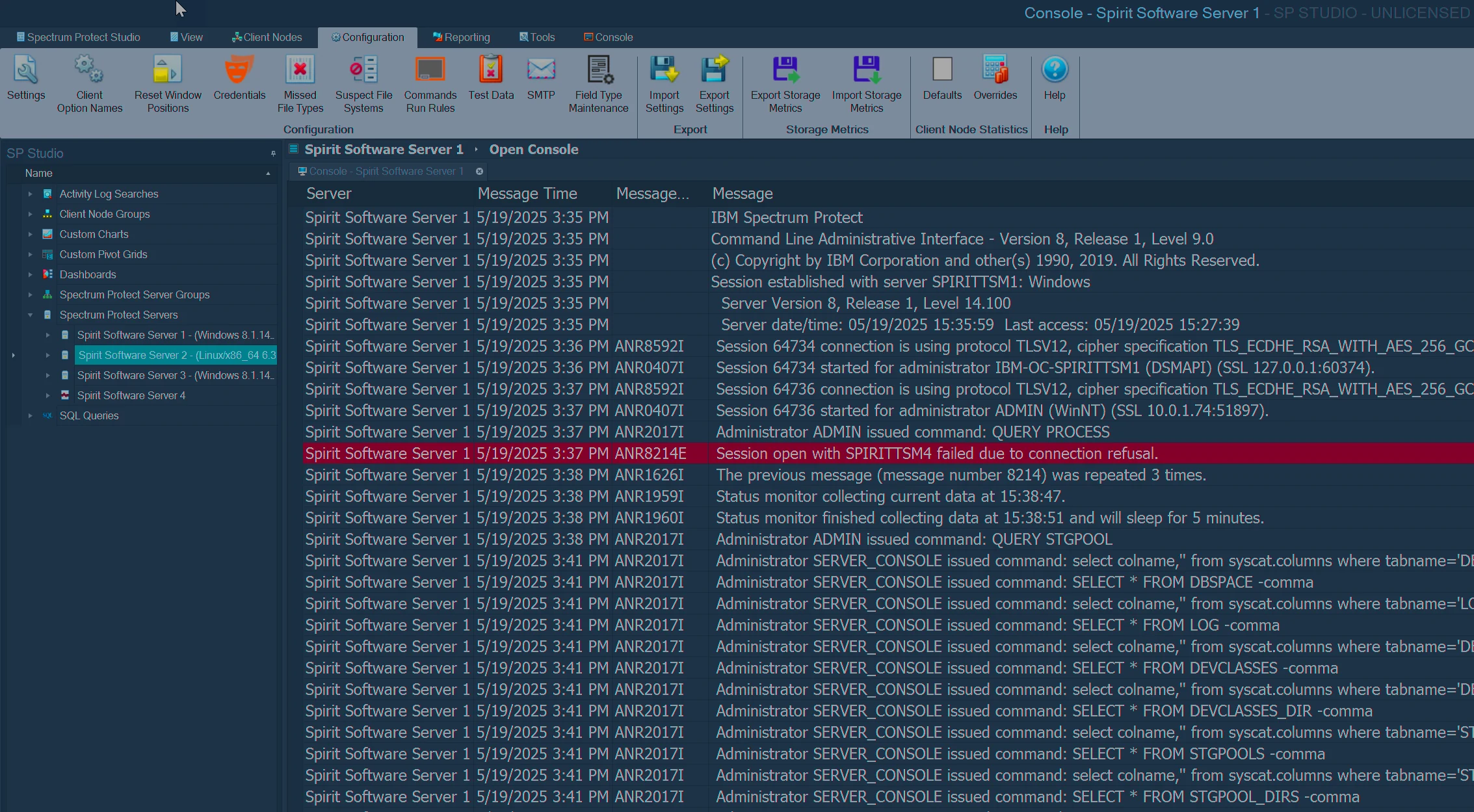
- Run commands and reports across multiple Storage Protect servers in a single operation
- Drill from a failed backup to its root cause without opening a command line
TSM Studio Server — the 24/7 watchdog
For the environment that must run itself. Windows Server 2012–2022.
- Real-time alerting via email, SNMP, the in-built console or script triggers — know about the 2 a.m. failure before your users do
- Scheduled reporting and publishing to PDF, CSV and Excel — reports land in inboxes, not in your to-do list
- Trending and forward forecasting: see capacity problems coming months out
- Command schedules and TSM SQL query scheduling — automate the routine
See it on your own environment in 15 minutes
Install SPStudio or TSM Studio Server, point it at your Storage Protect server, and watch the dashboards fill in. Full functionality for 30 days — no credit card, no sales call required.